Make a website as easy as
dragging blocks
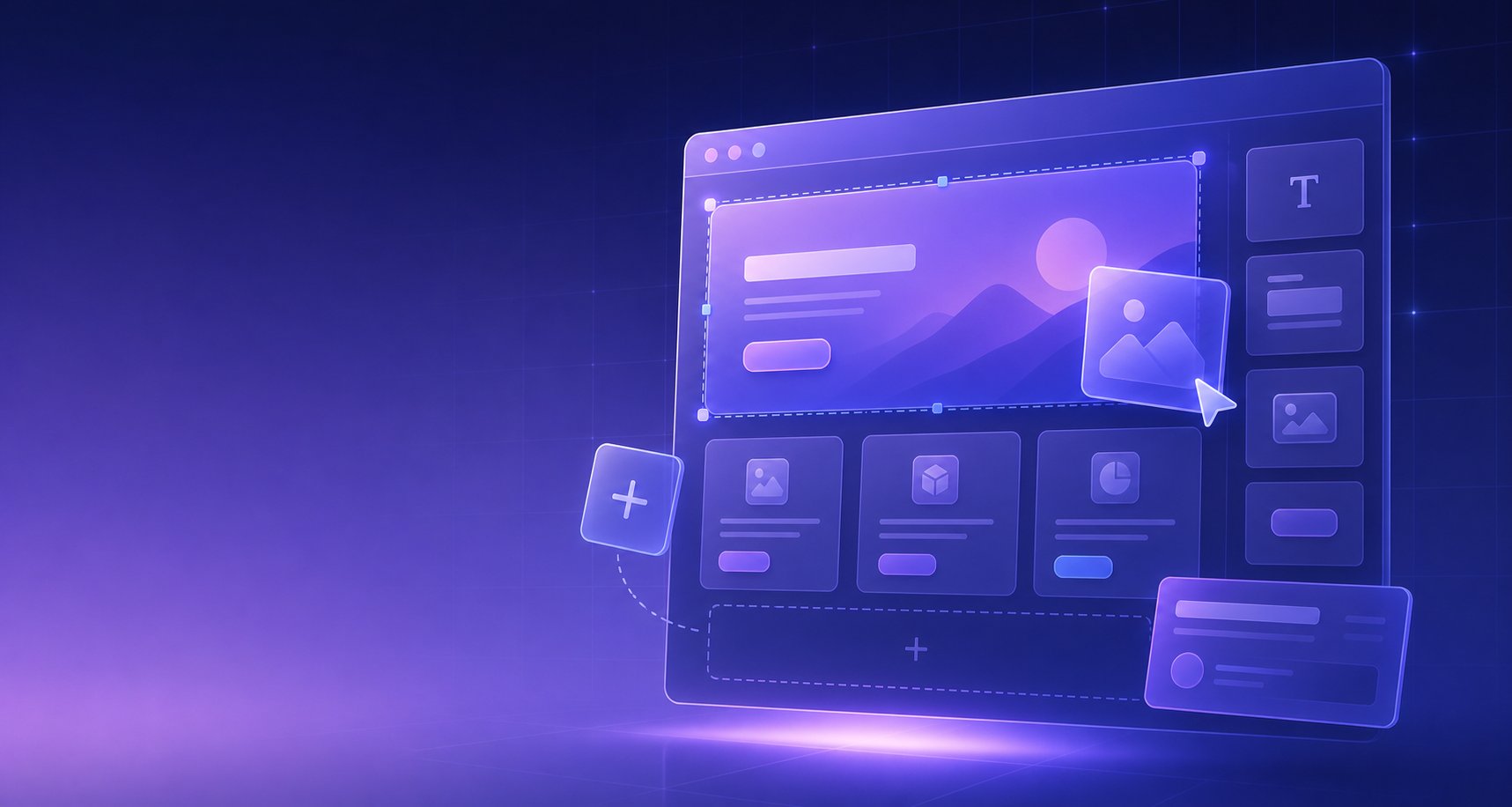
Webloom is the friendly drag & drop website builder. Design it visually, watch it come alive, then download it and put it online anywhere — even if you’ve never done this before.
Everything you need
Professional tools, zero learning curve
We took everything complicated about building websites and made it simple — without making the results simple.
True drag & drop
Design your page by dragging blocks exactly where you want them. If you can use a phone, you can build a website.
30+ ready-made blocks
Heroes, features, pricing, FAQs, contact forms, maps, galleries, countdowns, blogs and more — all fully editable.
Beautiful by default
Every block is designed by professionals. Change colors, fonts and spacing with simple controls — it always looks good.
12 starter templates
Business, portfolio, restaurant, startup, blog or personal — start with a complete design and make it yours.
Nothing to lose
Your work is saved automatically as you type, with unlimited undo. Experiment freely — mistakes are one click away from gone.
Live anywhere
Download clean website files for a regular host, or create a Shopify theme ZIP — with plain-English steps for what to do next.
How it works
From idea to online in three steps
Design
Drag blocks onto the page, click any text to rewrite it, and make it yours in real time.
Preview
See exactly how it looks on computers, tablets and phones — instantly, with one click.
Publish
Export a ready-to-upload website or Shopify theme, then follow the plain-language publishing guide.
Getting online is the easy part
One click gives you a downloadable website folder — plus a picture-perfect guide that walks you through putting it online for free.
Starter templates
Start with a head start
Twelve complete, professional designs. Pick one, swap in your words and photos, and you’re already most of the way there.
 Business
Business Consulting
Professional services & agencies
 Portfolio
Creative Portfolio
Designers, artists & freelancers
 Food
FoodRestaurant & Café
Food, hospitality & local gems
 Startup
SaaS Landing
Apps, startups & products
 Blog
BlogBlog & Journal
Writers, newsletters & magazines
 Personal
Personal Brand
Résumés, creators & profiles
 Events
Weddings & Events
Thoughtful celebrations and planners
 Wellness
Fitness & Wellness
Studios, coaches and movement spaces
 Services
Pet Care & Walking
Pet sitters, walkers and local services
 Services
Architecture & Interiors
Studios, spaces and considered design
 Retail
Botanical Skincare Shop
Beauty, wellness and product brands
 Education
Courses & Coaching
Educators, mentors and online courses
FAQ
Questions, answered plainly
Do I need to know anything about coding?+
Absolutely not. Webloom is built for people who have never made a website before. Everything is visual: you drag blocks, click text to edit it, and pick colors from a palette. The code is written for you behind the scenes.
How much does it cost?+
The builder is free to use. You design your site, preview it and download the finished website as many times as you like. Putting the site online can also be free — hosts like Netlify and GitHub Pages host simple websites at no cost.
Where will my website live? Do I need an account?+
You can build as a guest, and your projects stay in this browser. Webloom accounts are currently granted by an administrator; approved customers can sync small projects across devices within the published cloud limits. When you're ready, export clean website files for a host of your choice, or create a Shopify theme ZIP for your online store.
Can I use my own domain name?+
Yes. Once your site is downloaded and hosted, every hosting provider lets you connect a custom domain (like yourbusiness.com) in a few clicks — usually for the price of the domain itself.
Will my site work on phones?+
Yes — every block is responsive out of the box. Your site automatically adjusts to look great on phones, tablets and large screens. You can even hide specific blocks on specific devices if you want.
Can I edit my site later?+
Of course. Guest projects stay in this browser; approved accounts can sync projects within the account and platform storage limits. Make changes whenever you like, then export an updated ZIP. Keep an exported backup of work that matters.
Your website is waiting to bloom 🌱
No sign-up. No credit card. No code. Just you, a canvas, and a finished website at the end of it.